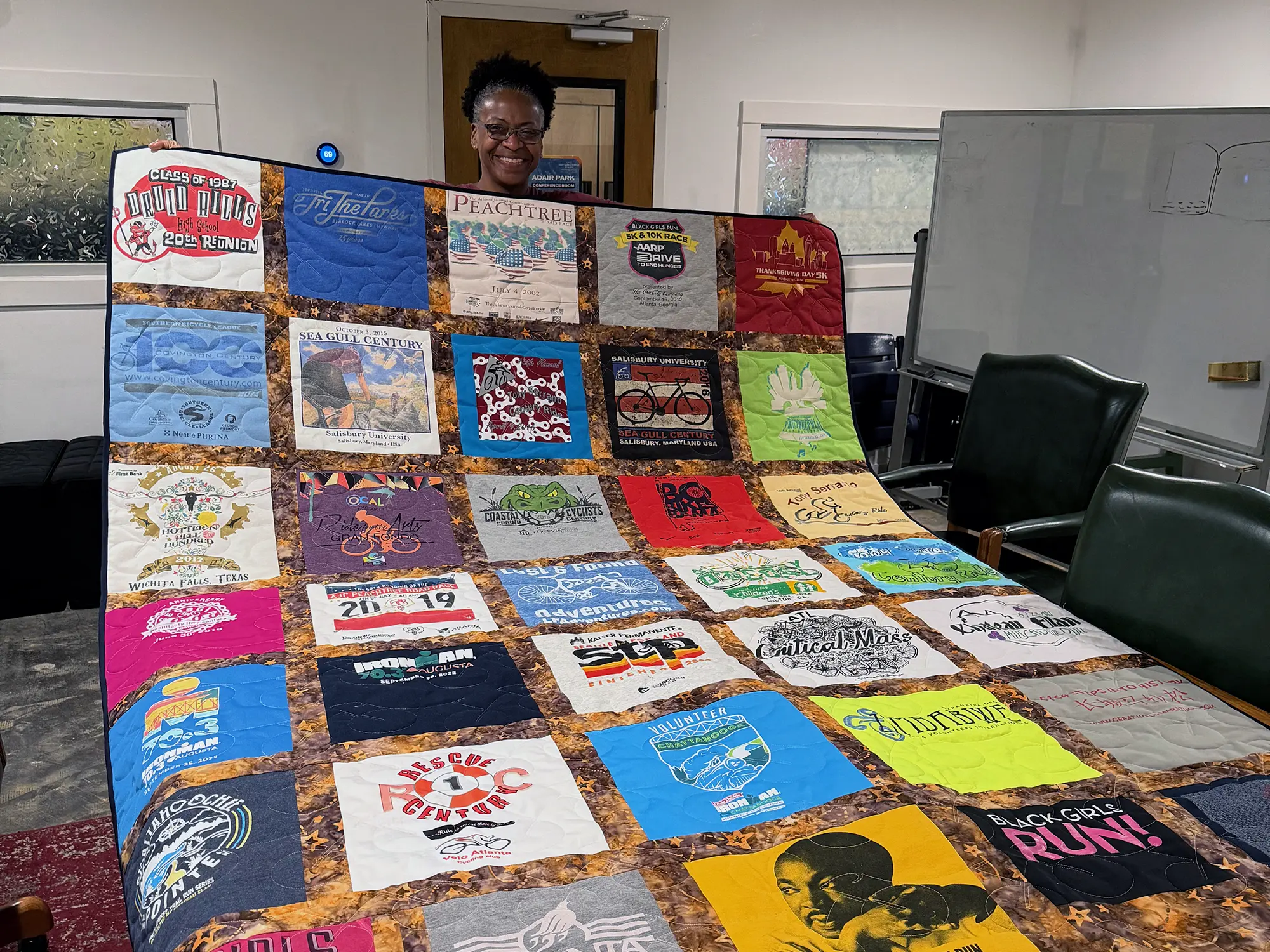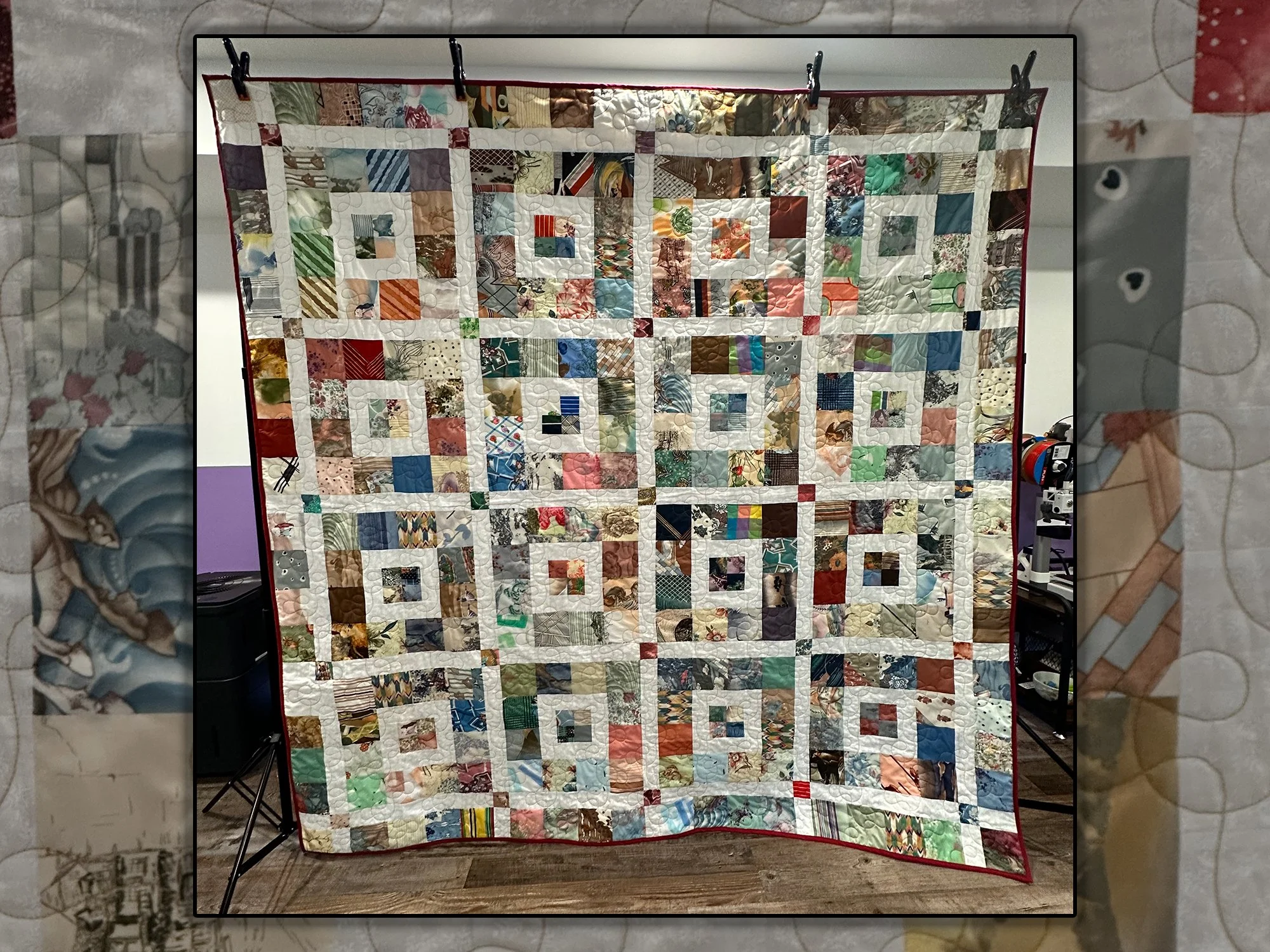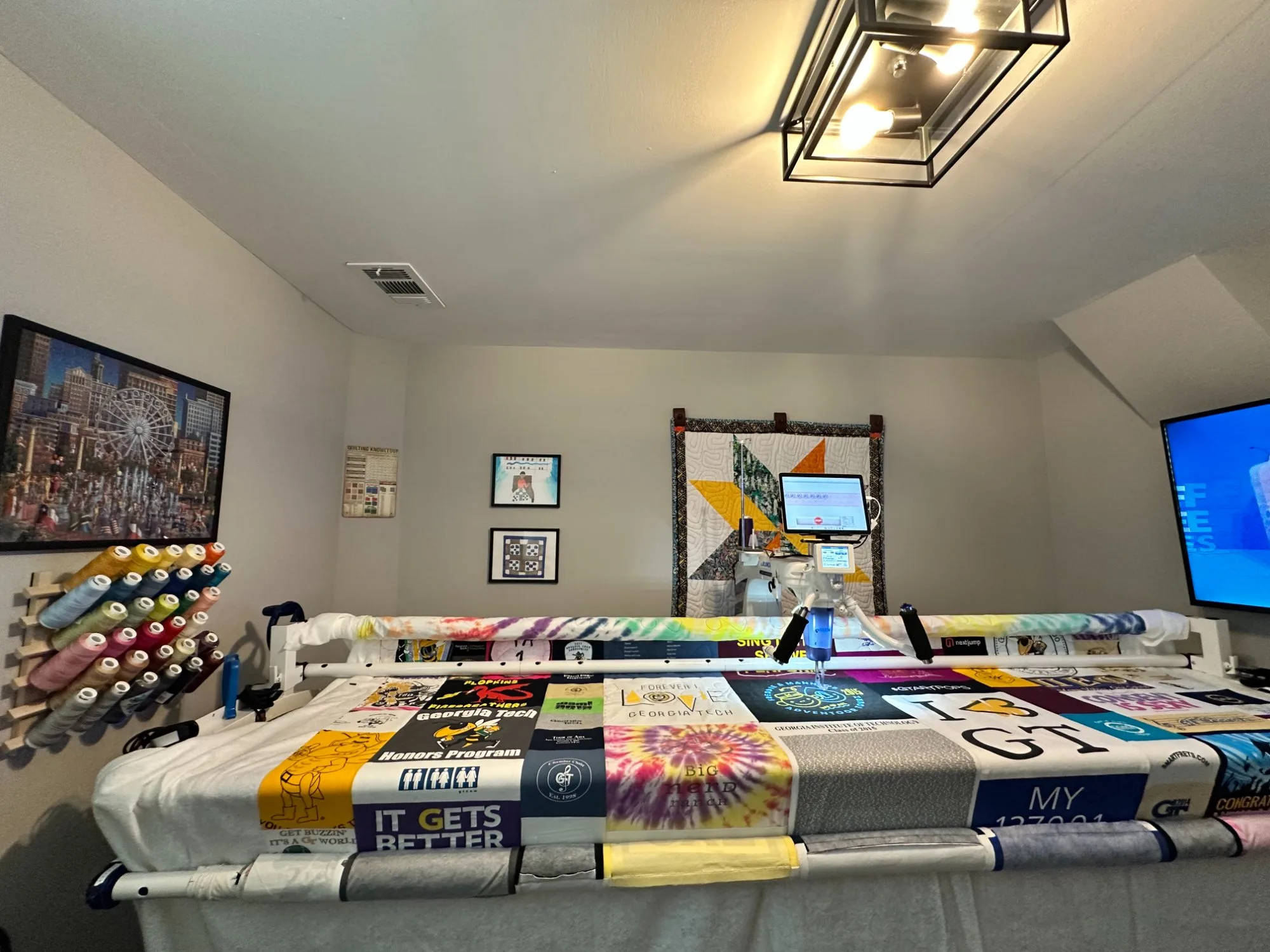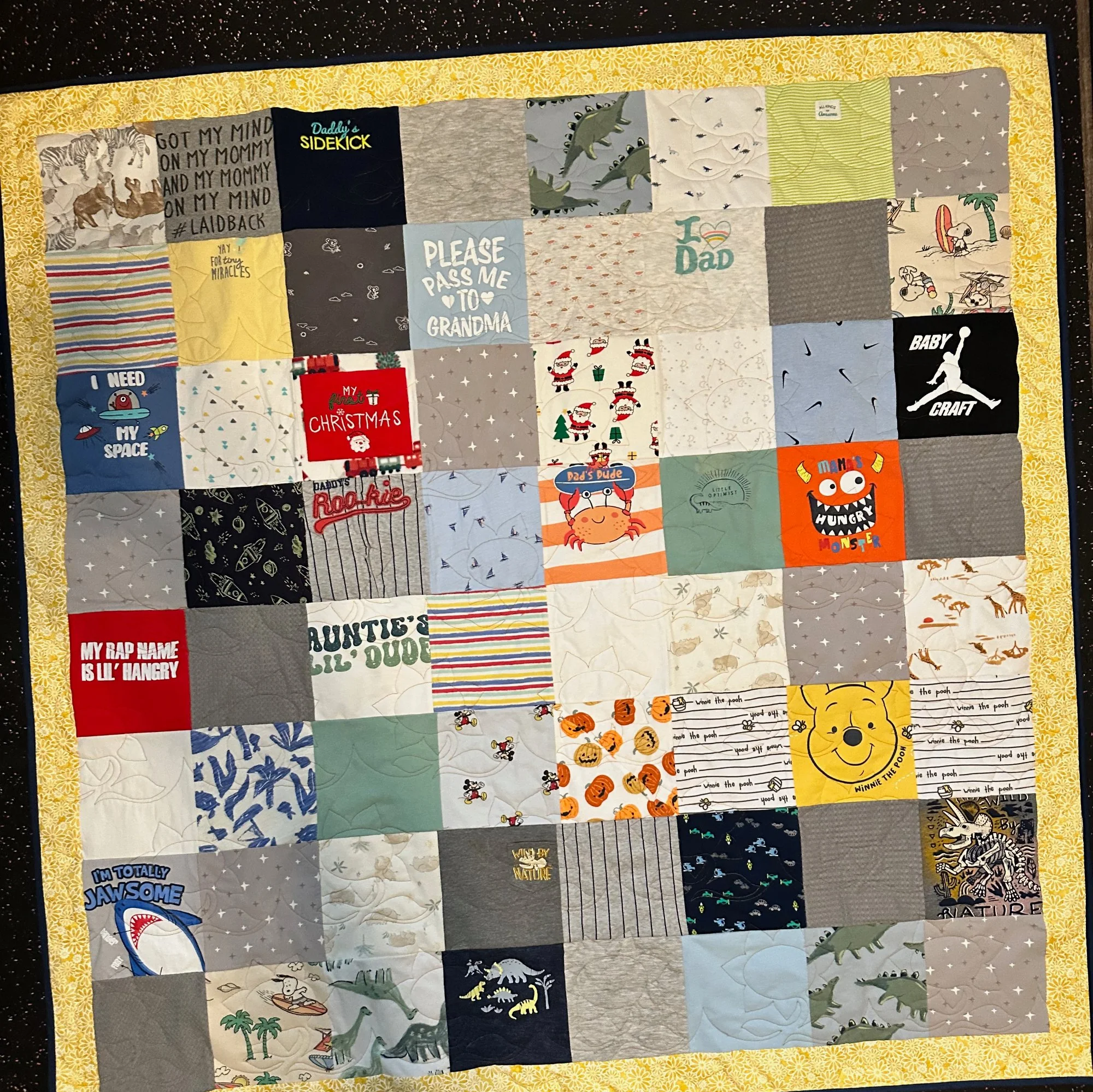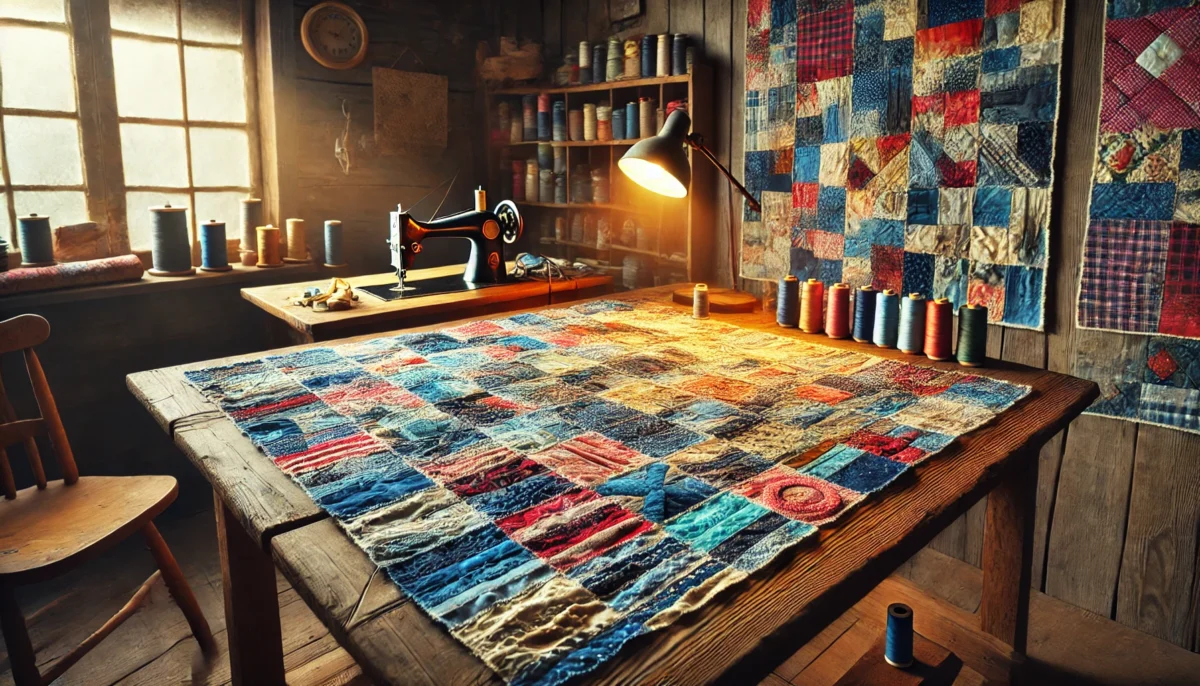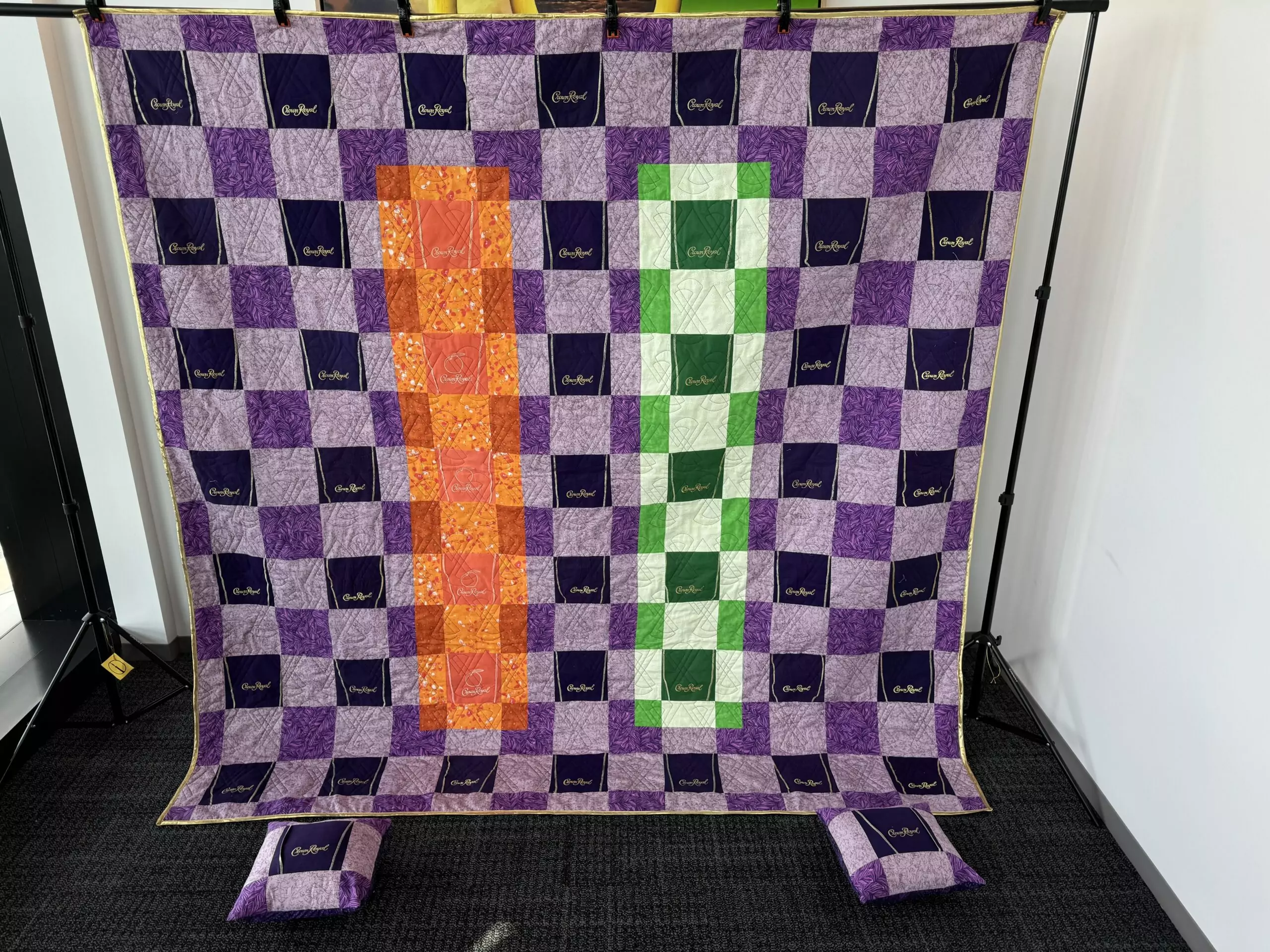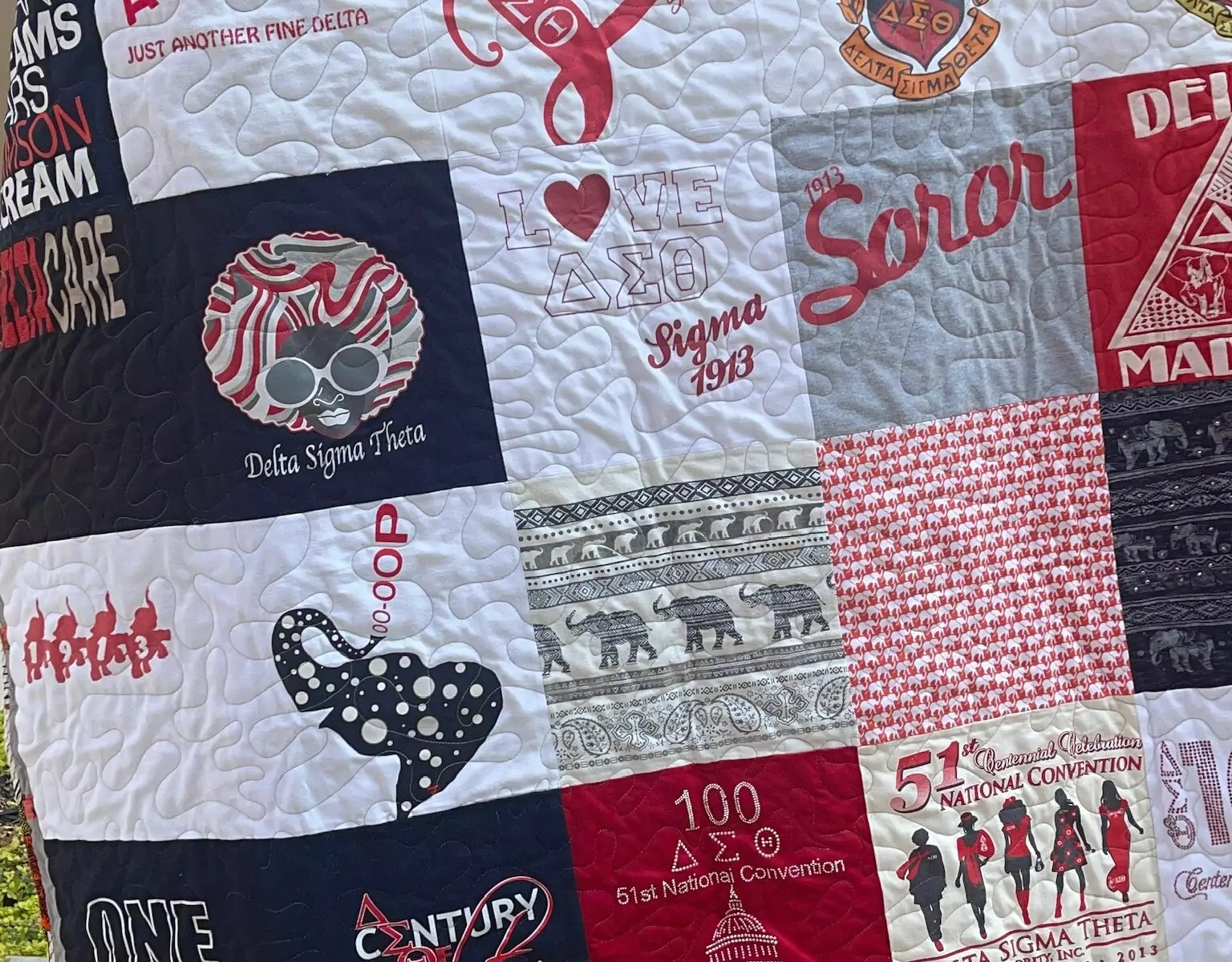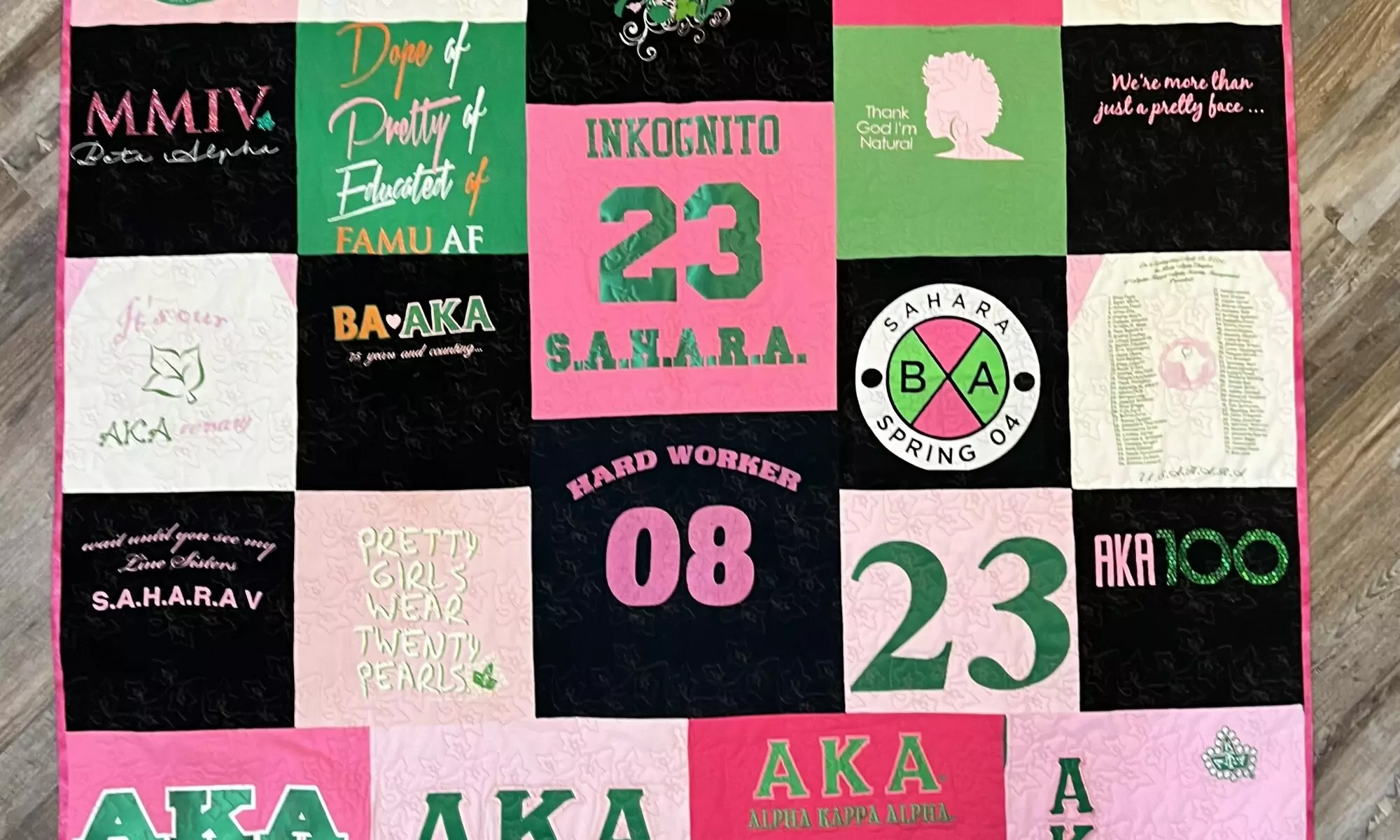
I have been quilting professionally for over ten years. In that time, I have turned hundreds of cherished clothing items into memory quilts, pillows, and bears for customers. I love the creative work. What I did not love was the paperwork.
If you are a quilter who takes custom orders, you probably know exactly what I mean. The sticky notes on your sewing table. The spreadsheet with 47 tabs. The text messages you forgot to answer. The invoice you scribbled on the back of an envelope. Sound familiar?
This is why I built SewTracker.
The Problem Every Custom Quilter Faces
When I started taking orders, I did what most quilters do. I tracked everything in a notebook. Then I moved to a spreadsheet. Then I tried a general-purpose project management tool that was built for software developers, not sewists.
None of it worked well. Spreadsheets do not send invoices. Notebooks do not show your customers your quilt’s progress. Project management apps do not recognize a build sheet.
I kept thinking, “Someone should build a tool specifically for quilters who take custom orders.” Eventually, I realized that someone would have to be me.
What I Do Outside the Sewing Room
Here is what made this possible: my day job is in technology. I am a Director of Solution Engineering at a digital analytics agency, where I lead teams across multiple countries. I have spent over fifteen years helping businesses use data and technology to solve problems.
So when I sat down to build SewTracker, I was not starting from scratch as a developer. But I was starting from scratch, having no prior understanding of what quilters actually need. That part came from a decade of running my own quilting business, Quilts by Big Wes.
The combination of those two worlds is what makes SewTracker different. It was not designed by a tech company guessing at what crafters might want. It was built by a working quilter who also writes code.
What SewTracker Actually Does
SewTracker is a web-based dashboard that helps quilters manage customer orders from the first phone call to final delivery. Here is a quick walk through the features.
Your Orders, All in One Place
The dashboard is home base. Every order you are working on, waiting on, or have completed lives here. You can filter by status, sort by date, and search by customer name. No more flipping through notebooks to figure out what is due next week.

Order Details and Line Items
Each order tracks the customer, the items being produced (e.g., one customer might order a throw quilt and two pillows), pricing, and status. You can update the status as work progresses, and the system keeps a record of every change.

Build Sheets You Can Print
This was a personal must-have. When I am at my cutting table, I want a printed sheet that provides all the details about the item I am working on: the product type, dimensions, any special instructions, and the fabrics I am working with. SewTracker generates printable build sheets for every line item.

Progress Photos by Quilting Stage
This is one of my favorite features. You can upload photos for each line item and tag them by quilting stage: blocks cut, top assembled, quilting done, and quilt ready. Your customers can see these photos on a shareable status page (more on that below). It is a great way to keep customers excited about their project and reduce “how’s my quilt coming?” messages.

Customer-Facing Status Page
Every order gets a unique, shareable link. Your customer can check the status of their order anytime without creating an account or logging in. The status page shows the order progress and a photo timeline organized by quilting stage. It even displays your business logo.

Professional Invoices
Generate and email invoices directly from SewTracker. Invoices include your business logo, customer information, line items with quantities, and the total amount due. You can send them to your customer with one click, and they arrive as a clean, professional email.

Reporting Dashboard
Want to know how many quilts you completed this month? Your average turnaround time? Who are your top customers? The reporting dashboard provides real-time metrics: completed orders, revenue by product type, repeat-customer rate, and average turnaround time. You can filter by date range to see trends over time.

Product Catalog
Set up your product catalog once and reuse it across orders. Define your product types, base pricing, and descriptions. When you create a new order, you pick from your catalog instead of retyping everything.

Multi-User Support
If you have someone assisting with orders, whether a family member, assistant, or fellow quilter, you can add them as users on your account. Admins manage the business settings, products, and users. Standard users can work with orders day-to-day.
Your Business, Your Branding
Upload your business logo, and it appears on your customer-facing status pages and invoices. Set up your business profile with your name, address, phone, and email so everything looks professional when it reaches your customers.

Built for Quilters, Priced for Quilters
I thought long and hard about pricing. Many quilters run small operations, sometimes alongside a full-time job. SewTracker is $9.99 per month or $99.90 per year (save about $20 with the annual plan). Every account starts with a free 14-day trial, no credit card required. That gives you two full weeks to set up your products, enter some orders, and see if it fits your workflow.
The Community Quilters Program
I also created a special program for nonprofit quilting organizations, including guilds, quilt ministries, and charitable quilting groups. The Community Quilters Program offers an annual plan forย $49.95,ย 50% off. If your organization makes quilts for a cause, I want SewTracker to be accessible to you.
Why Not Just Use a General Tool?
You could track orders in a spreadsheet. You could use a generic invoicing app. You could text photos to customers individually. Plenty of quilters do.
But SewTracker puts all of that in one place, designed around the way quilters actually work. The build sheets speak your language. The photo stages match your workflow. The status page keeps customers happy without extra effort on your part.
I built SewTracker because I needed it. I am sharing it because I know other quilters need it too.
Try It Free
If you take custom quilt orders and you are tired of the spreadsheet shuffle, give SewTracker a try. The 14-day free trial gives you full access to every feature, no credit card required.
Visit sewtracker.com to get started
Wesley Hall is the founder of Quilts by Big Wes, LLC, based in Atlanta, Georgia. He has been creating custom memory quilts for over ten years and building technology solutions for over fifteen. SewTracker is his answer to the question every custom quilter eventually asks: “There has